
Power Accessories for This Test Demonstration Device
Cigarette Lighter Socket Adapter Module: PowerPi P480X
Power Supply: 12V Only
Test Tutorial
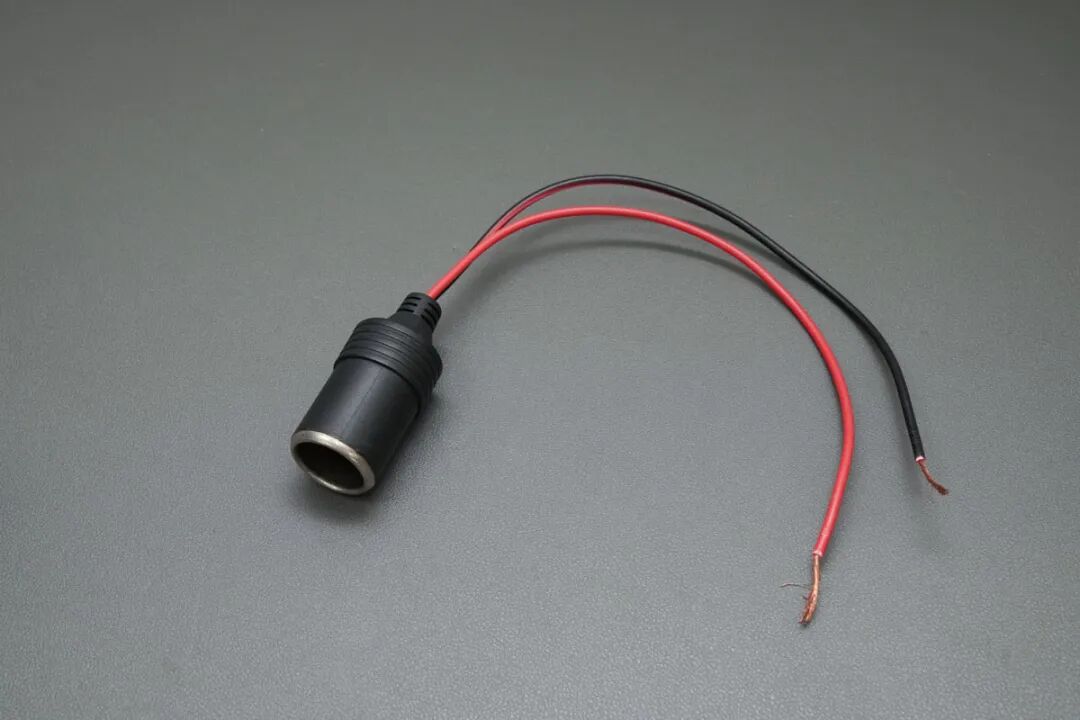
1. First, prepare a cigarette lighter socket.
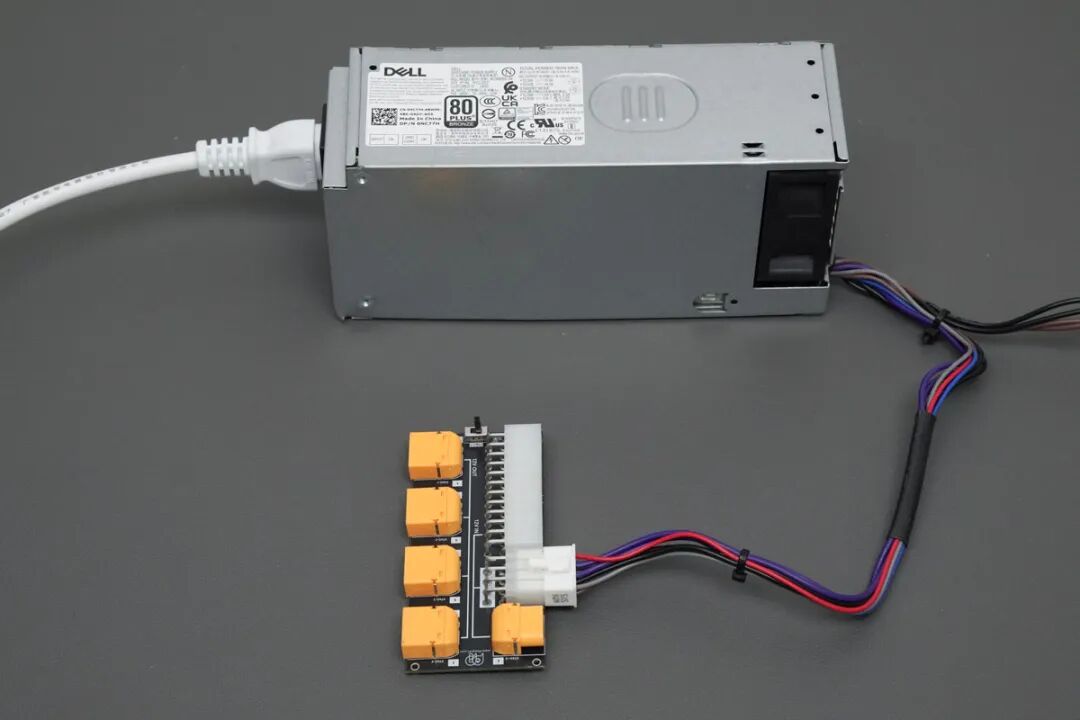
2. Then connect the 12V Only power supply to the PowerPi P480X.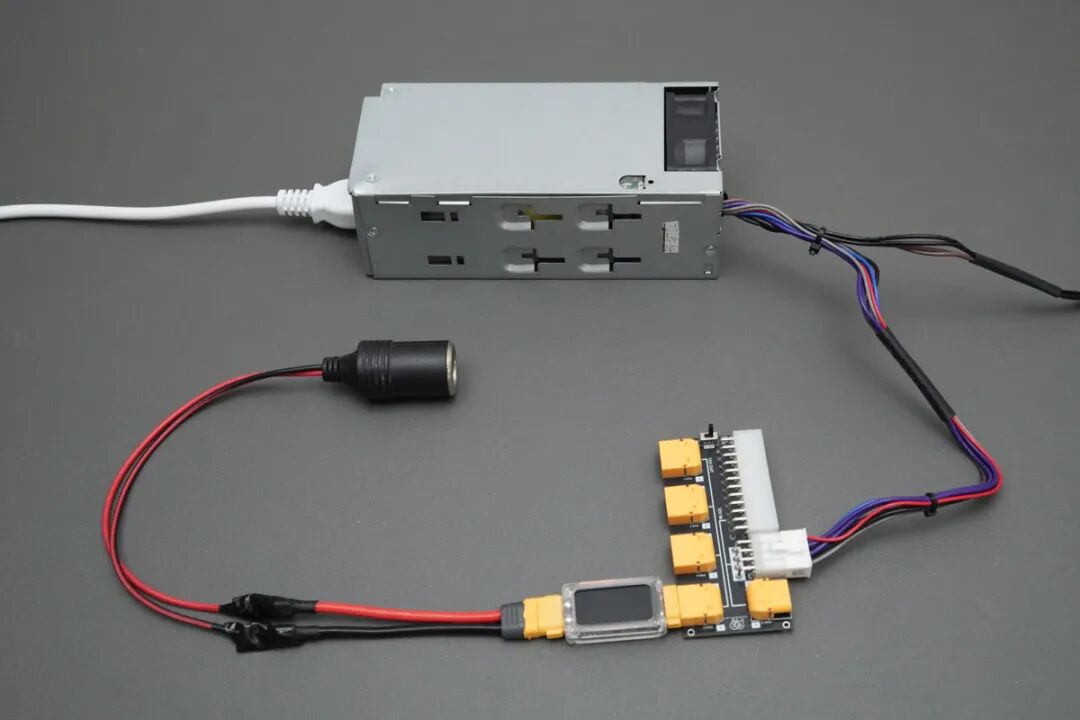
3. Finally, connect the cigarette lighter socket to the previous connection. To conveniently monitor voltage, current, power, etc., we can insert a PowerPi XT1000 digital display meter in between.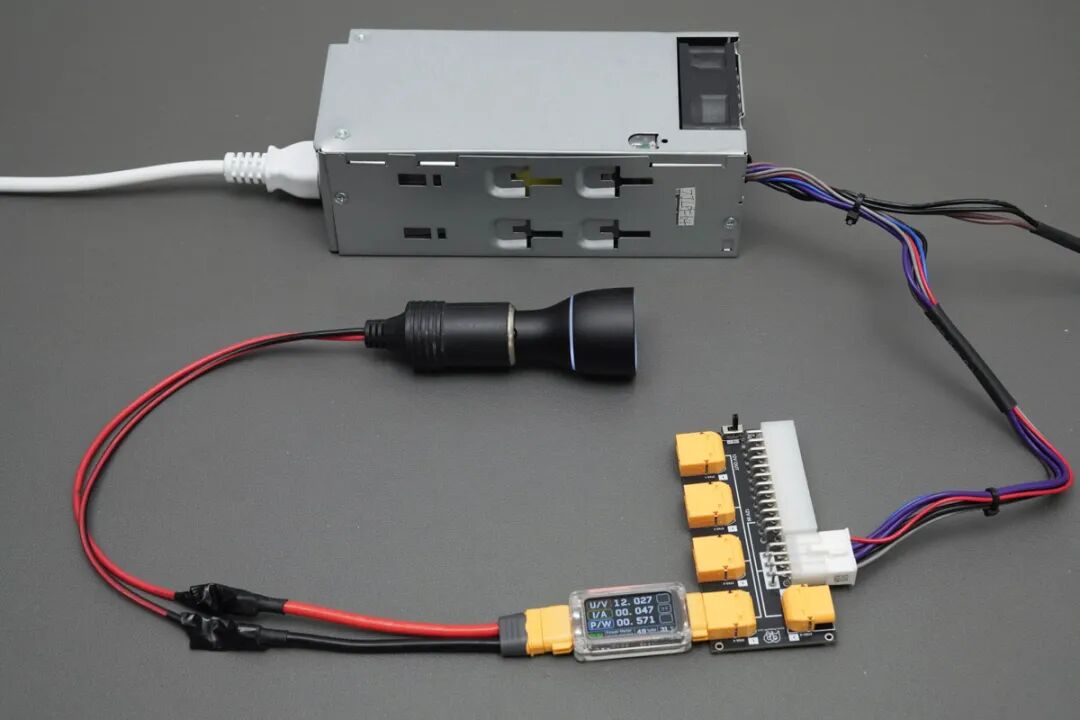
4. Connect the PowerPi D170ACC car fast-charging module to the cigarette lighter socket to begin testing.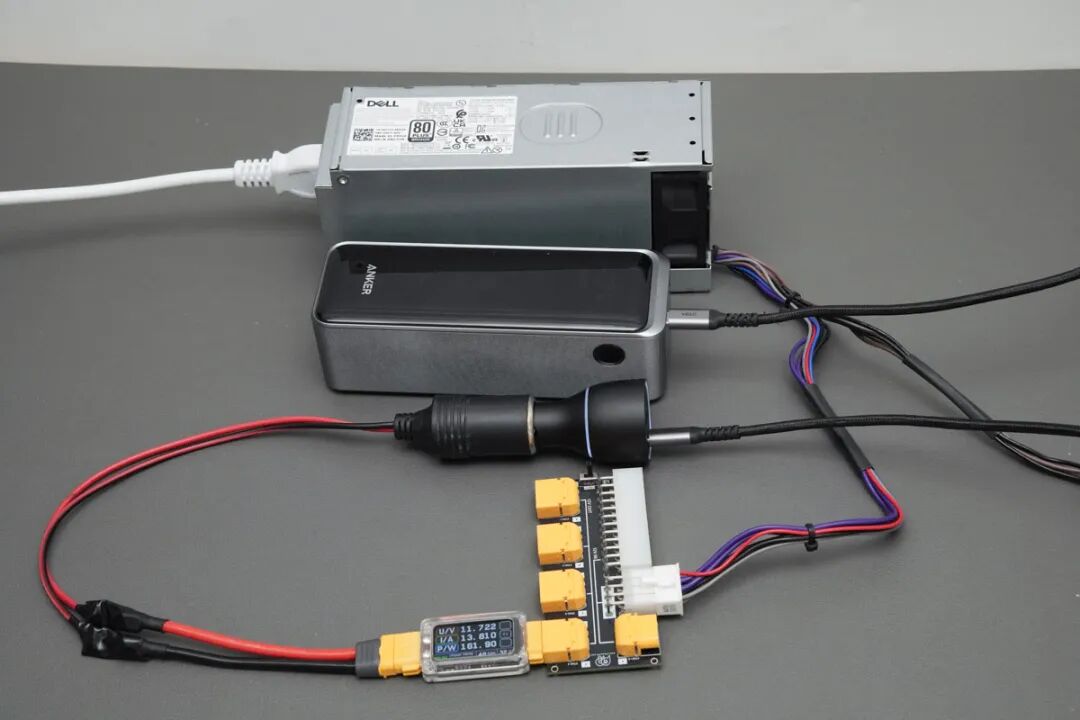
5. After setting up the test chain, use a mobile power bank that supports PD 3.1 140W charging for testing. Actual measurements show the platform’s input power reaches 160W, with ample power margin, meeting various PD 3.1 140W fast-charging test requirements.
Additional Notes
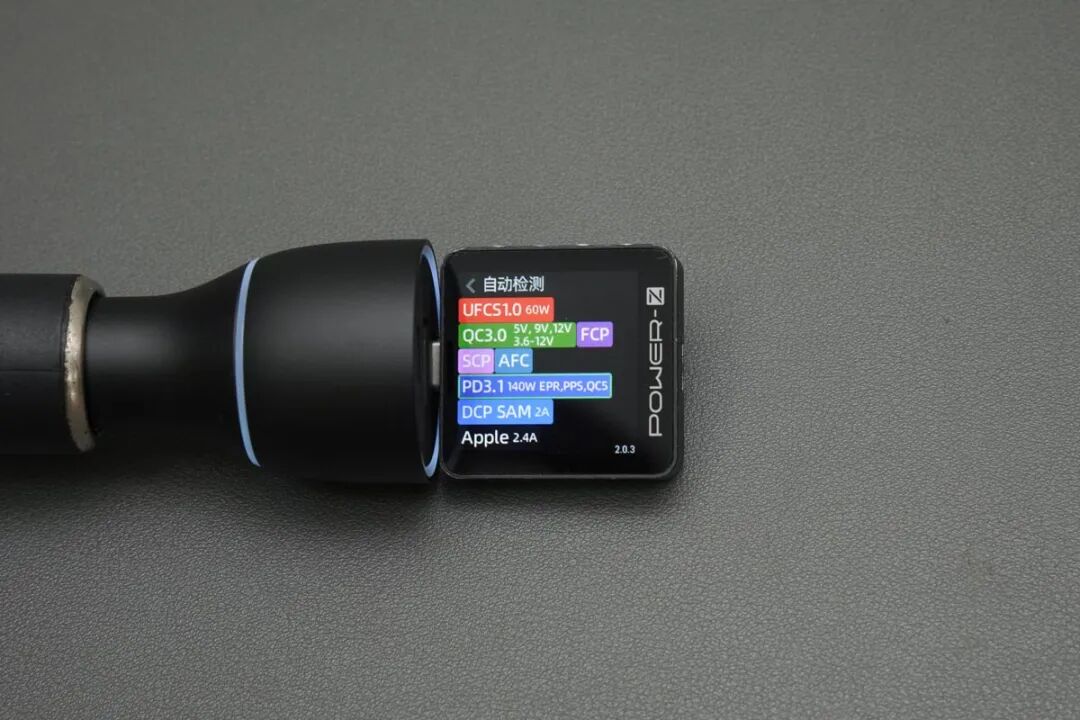
1. Using POWER-Z KM003C, the PowerPi D170ACC car fast-charging module has been tested to support PD 3.1 140W fast charging and multiple mainstream fast-charging protocols.
Precautions
1. The cigarette lighter socket test platform built this time operates at 12V.
2. The XT60 (IN) input interface of PowerPi P480X is a cascaded interface, used for expansion.
3. PowerPi P480X supports soft start and one-way conduction design, only allowing conduction from the input (IN) to output (OUT). Reverse connection is not supported, and there is no extra protection.
4. The test data provided here is for reference only.