
Demo equipment for this test
Adapter board: PowerPi P480X
Output device: ATX power supply
Related reading: New Product Express, PowerPi P480X Power Adapter Board Debut
Test Tutorial
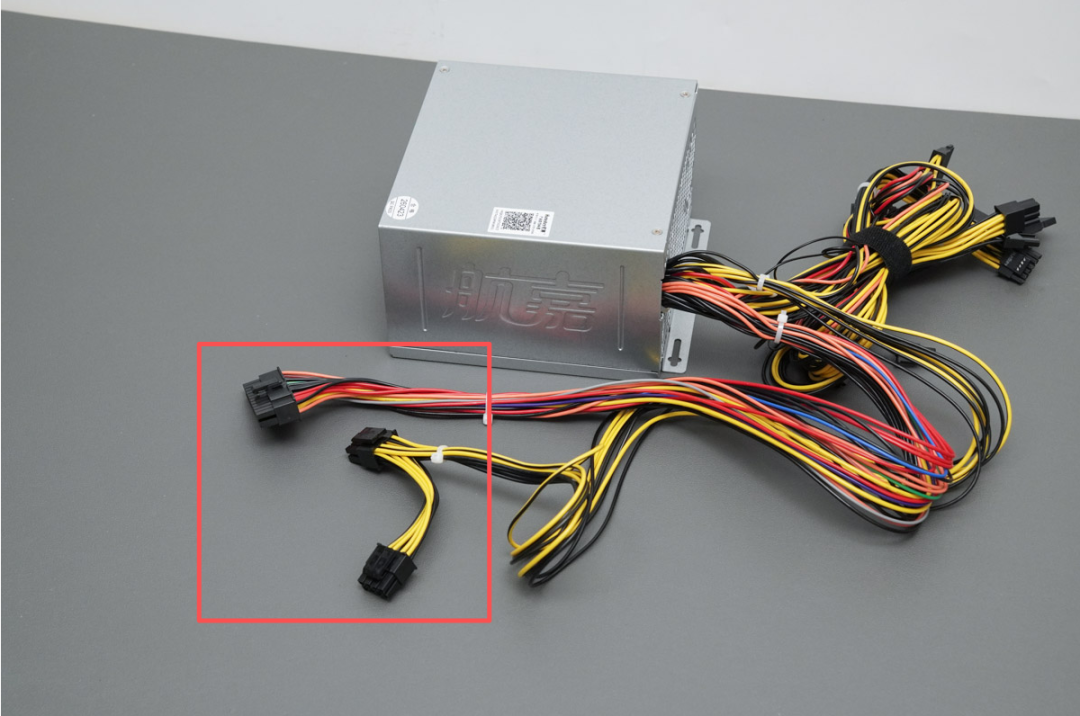
1. First, locate the 24-pin and 8-pin power connectors of the ATX power supply.
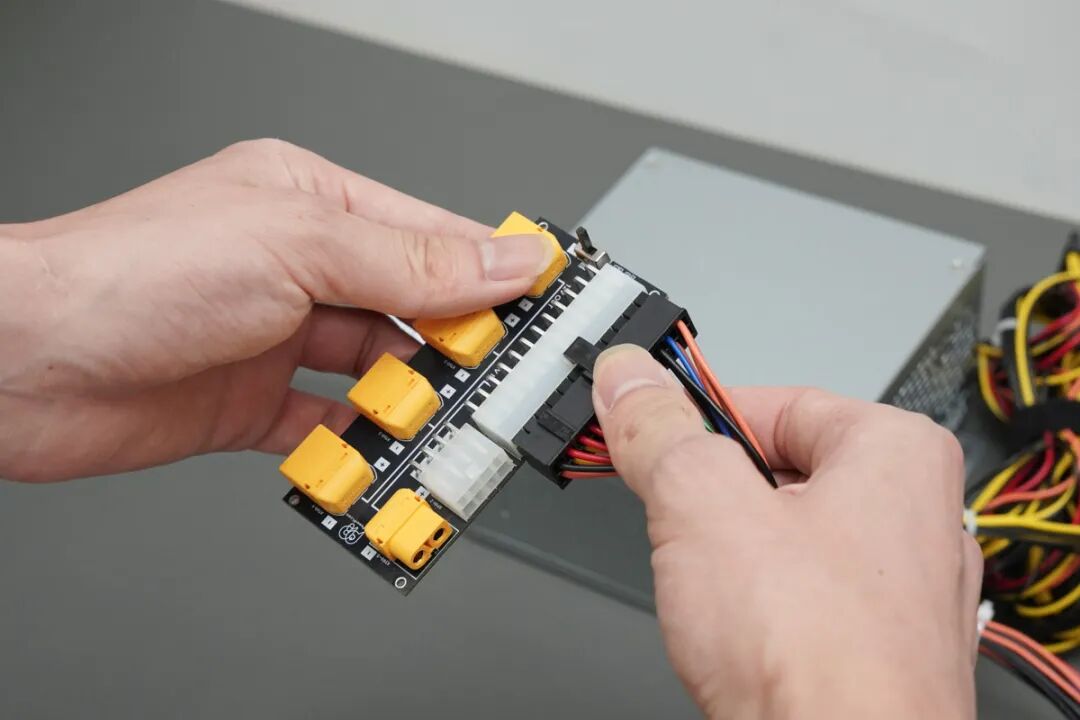
2. Plug the 24-pin power cable into the 24-pin power connector on the PowerPi P480X.
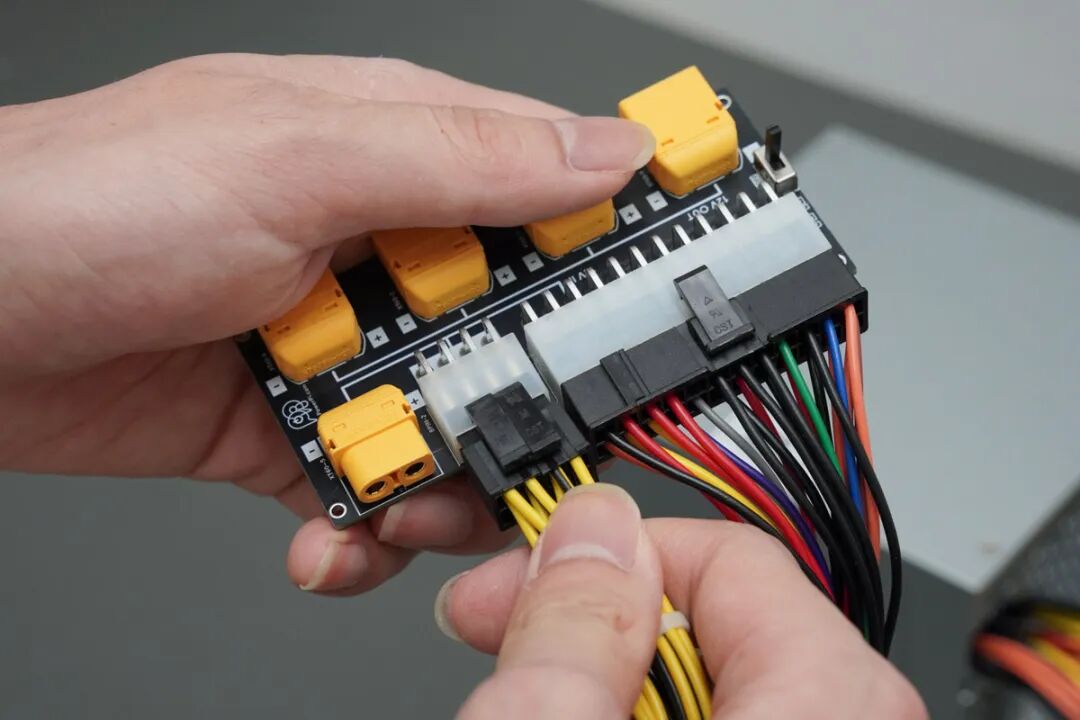
3. Plug the 8-pin power cable into the 8-pin power connector on the PowerPi P480X.
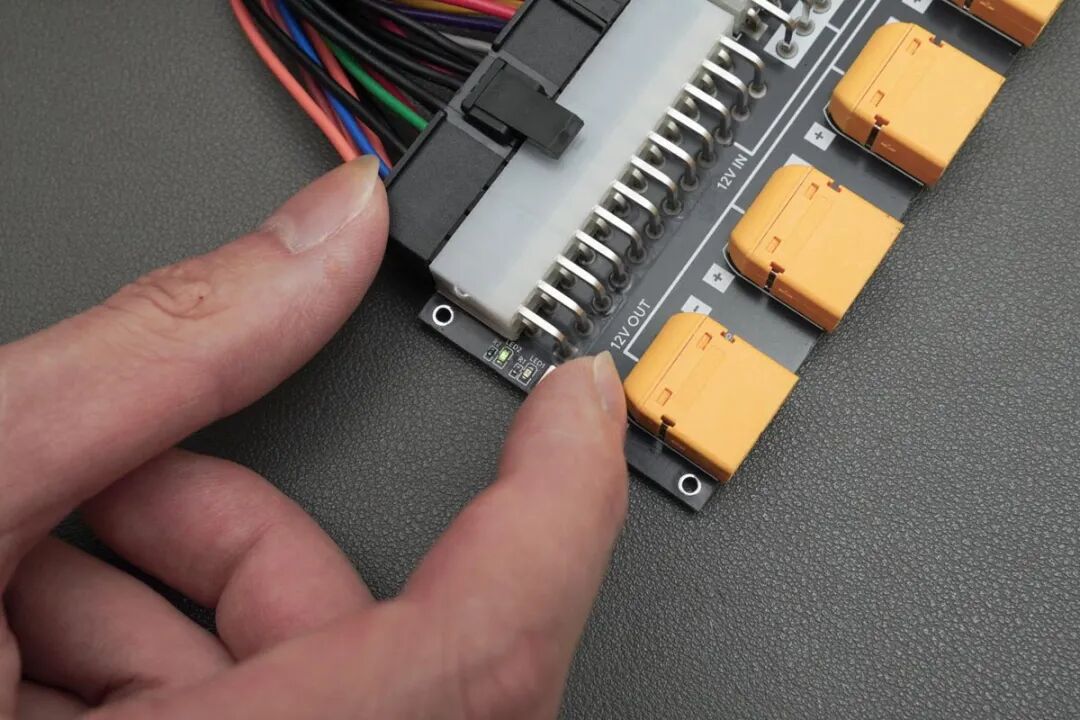
4. After the ATX power supply is turned on, switch on the soft start switch on the PowerPi P480X.
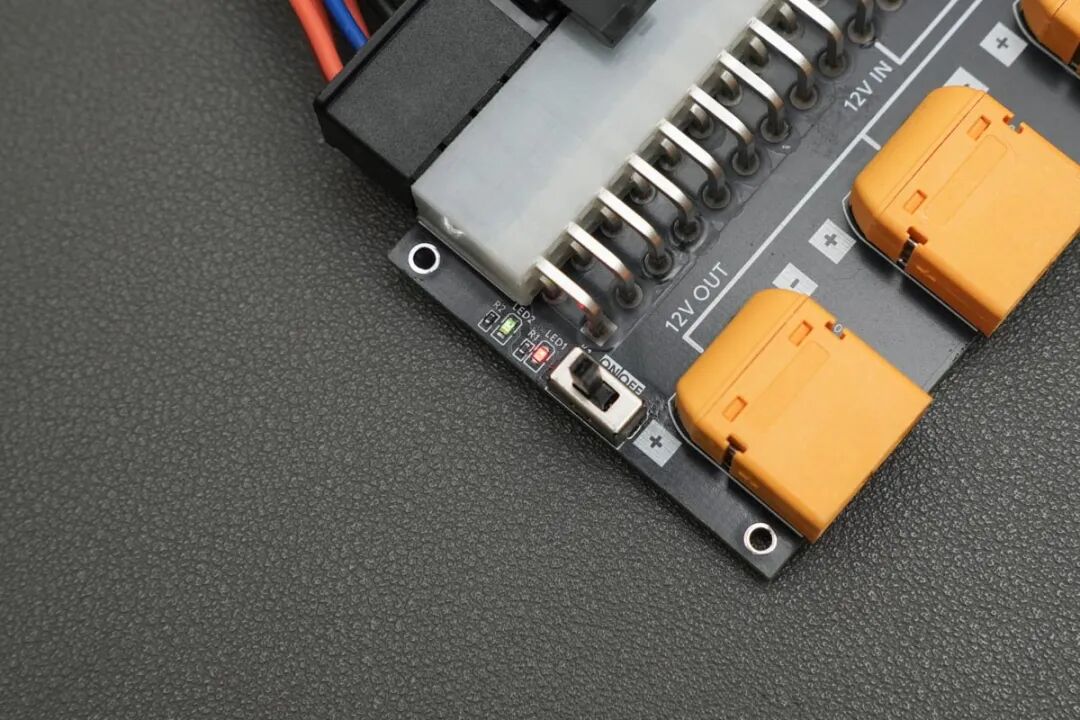
5. Once the soft switch is on, the onboard LED lights up normally, indicating that the power circuit has successfully started.
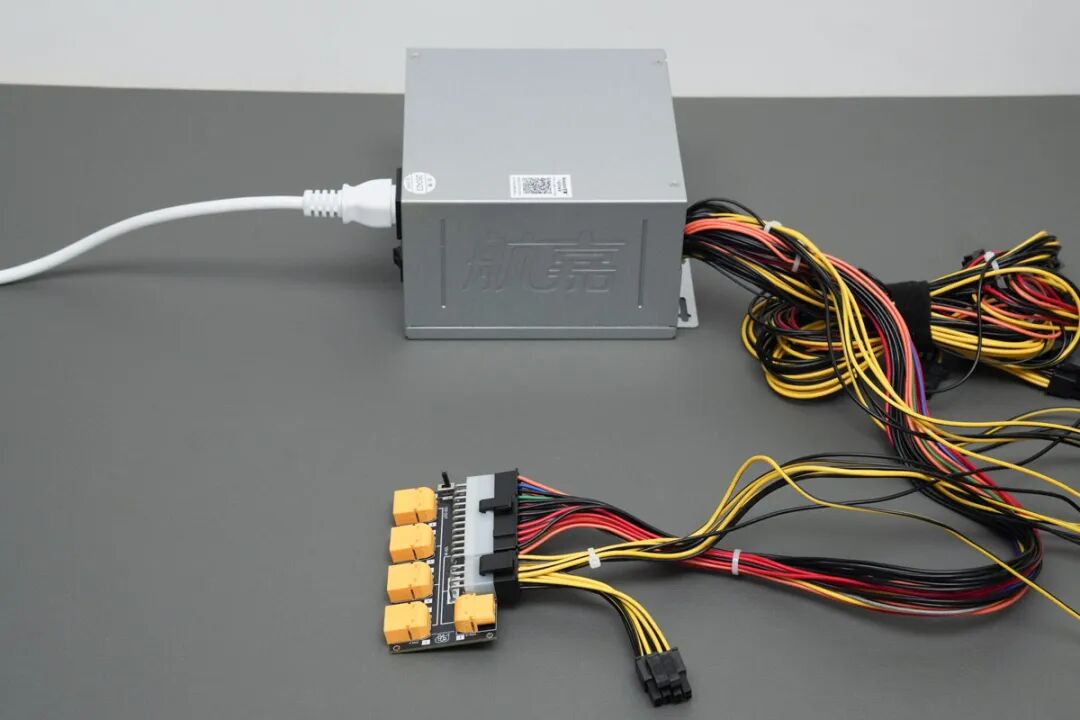
6. After the device enters working mode, each XT60 output port will output 12V voltage.
Additional Notes
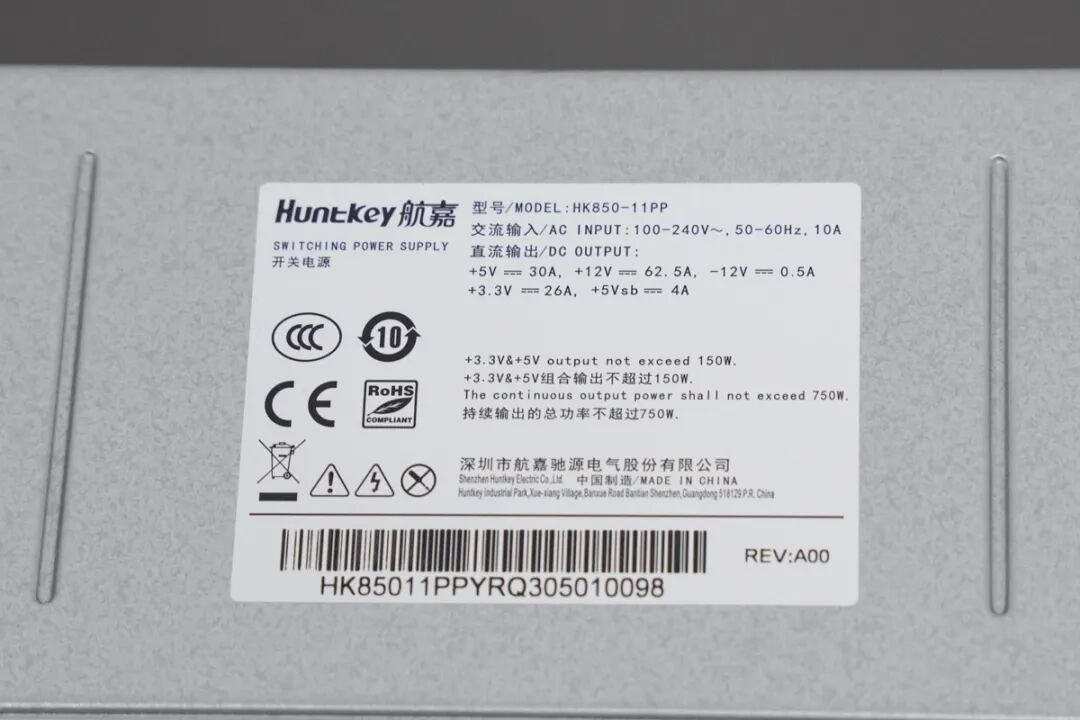
1. The power supply used in this test is the Huntkey HK850-11PP, with a 12V DC output peak of 62.5A.
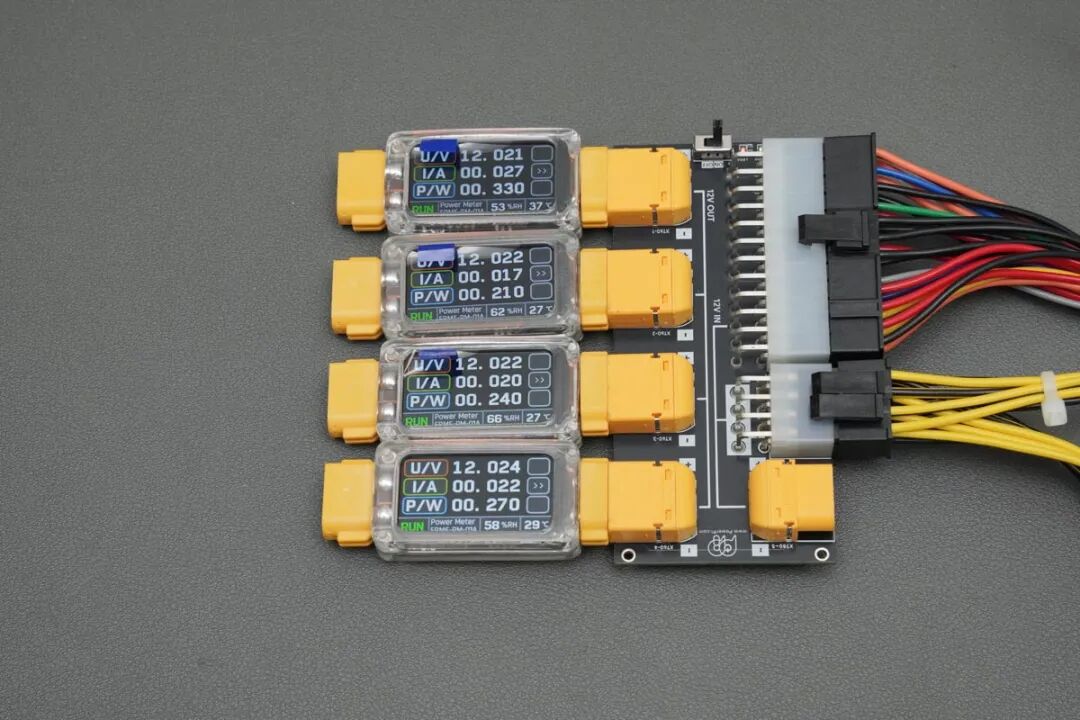
2. Connecting multiple PowerPi XT1000 testers allows you to visually monitor the power status of each port.
Precautions
1. Make sure the ATX power supply works normally and is in good condition, with no abnormal output.
2. The XT60 (IN) input port of the PowerPi P480X is a daisy-chain interface for expansion.
3. The safe current for the PowerPi P480X is 40A. It supports soft start and unidirectional conduction design, only allowing power from input (IN) to output (OUT). Reverse connection is not supported and there is no extra protection.
4. The test data here is for reference only.