
Demonstration equipment for this test
Adapter board: PowerPi P480X
Output device: 12V Only power supply
Related reading: New product news, PowerPi P480X power adapter board debuts
Test tutorial
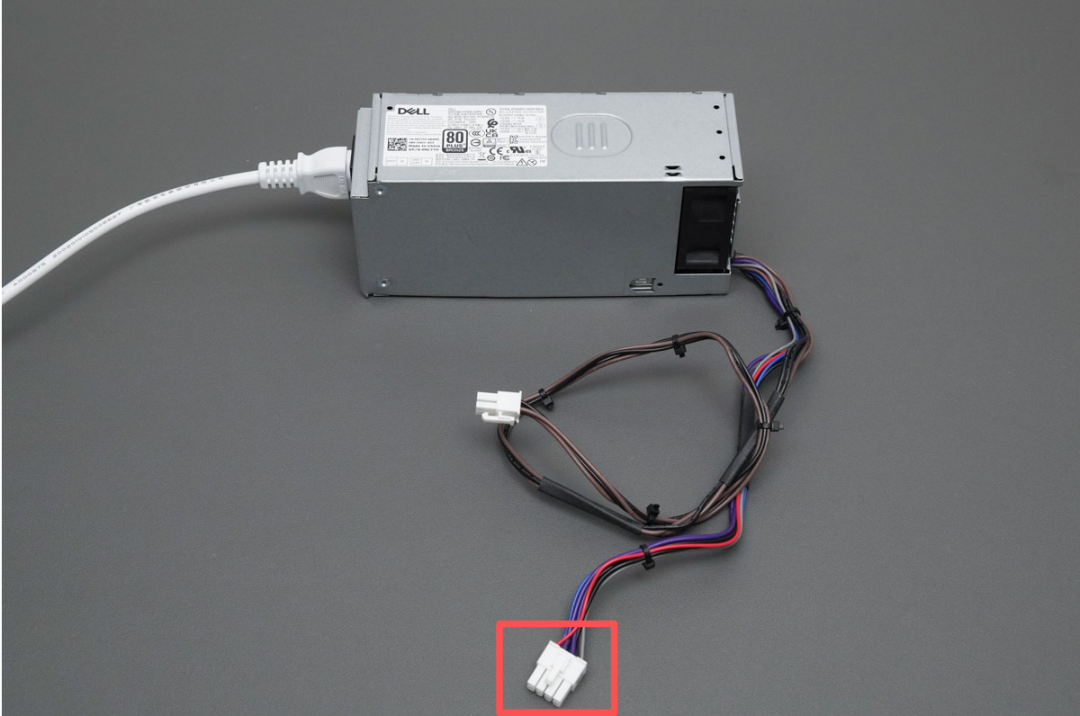
1. First, locate the 8pin power interface of the 12V Only power supply.
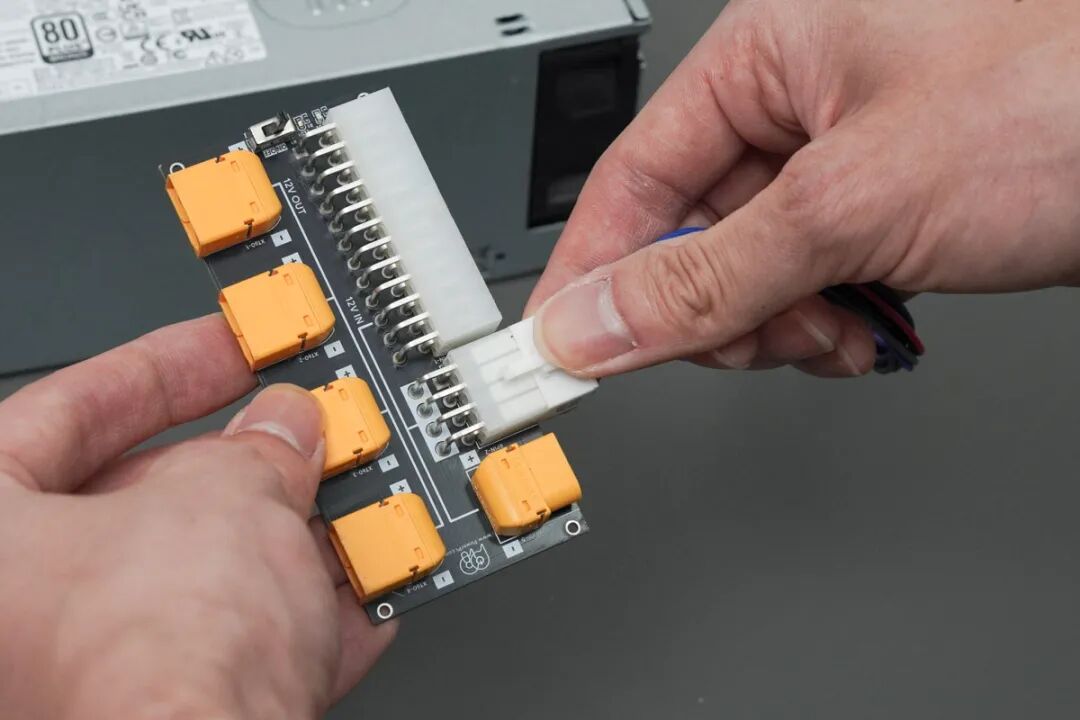
2. Insert the 8pin power cable into the 8pin power port on the PowerPi P480X.
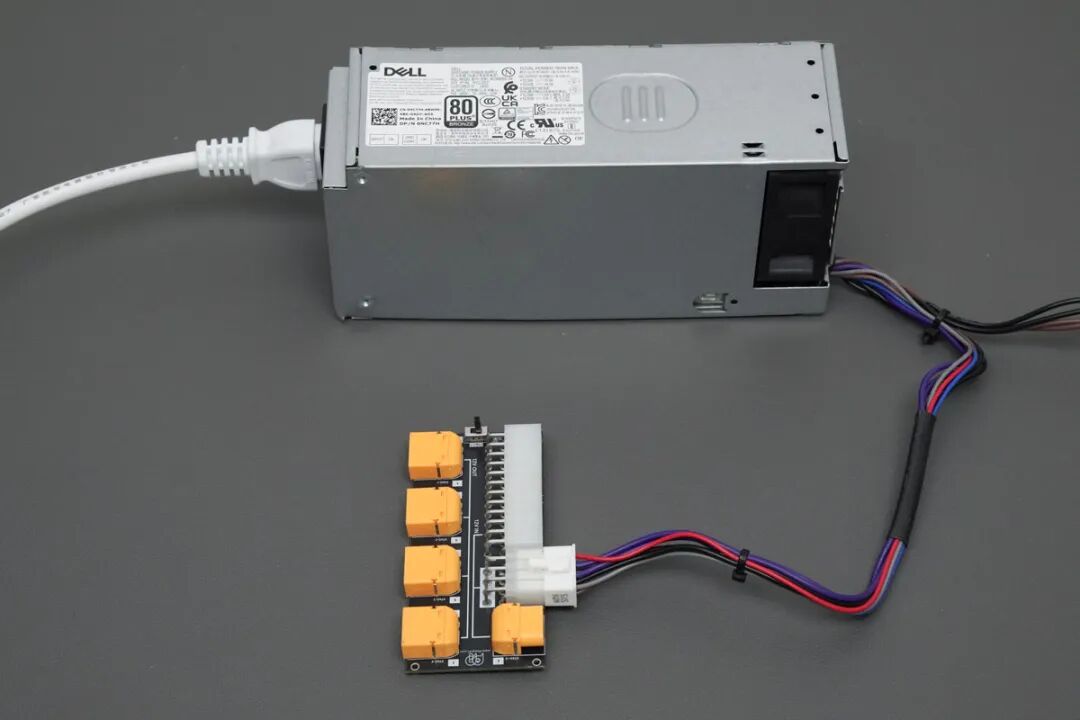
3. Once connected, you can turn on the power to test. Each XT60 output port will output 12V.
3. Additional notes
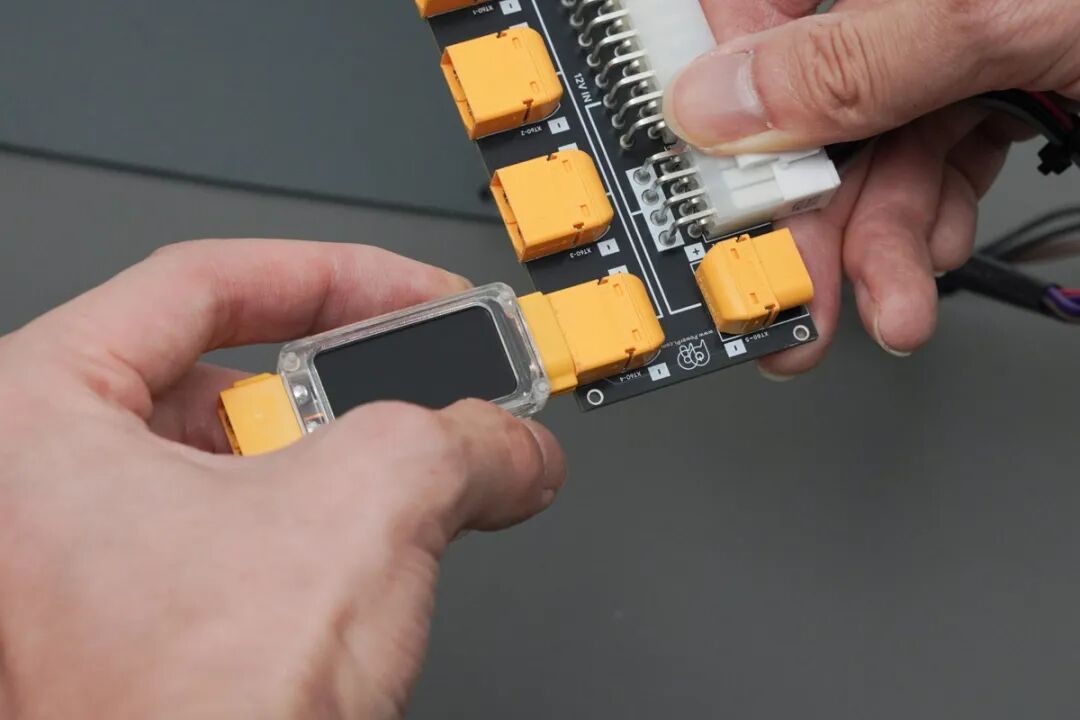
1. You can connect a power meter to the XT60 port to monitor the conduction power in real-time.
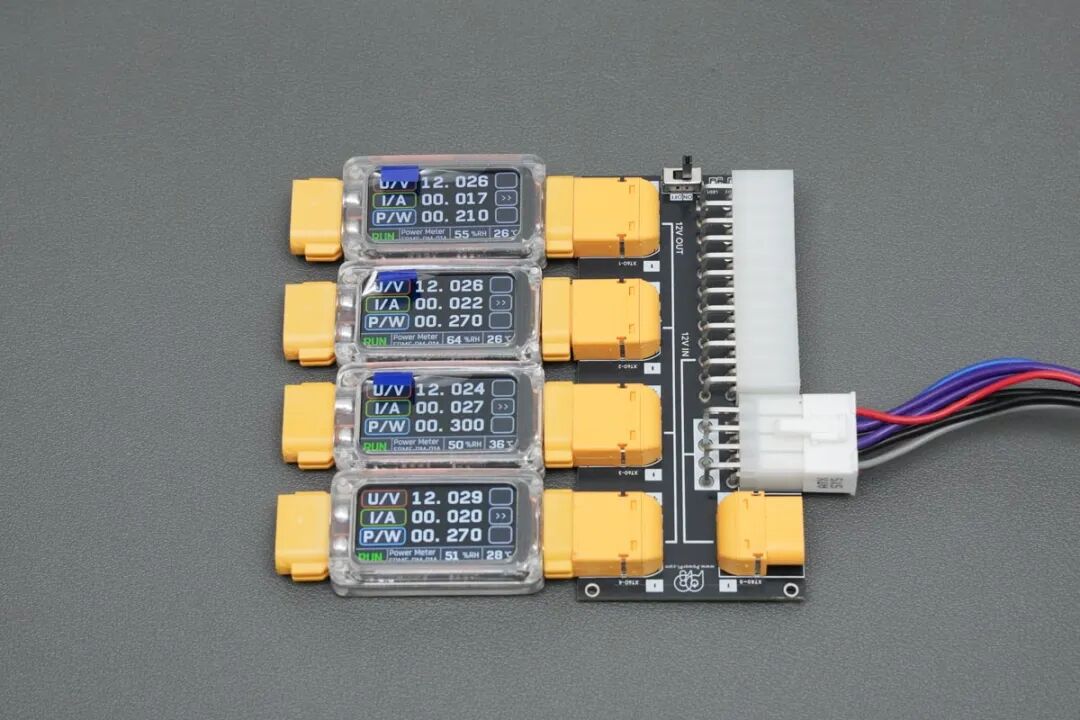
2. Using the PowerPi XT1000 tester, you can intuitively check the power status of each port.
Related reading: PowerPi XT1000 digital display meter released, a powerful tool for high-power measurement
Precautions
1. Confirm the 12V Only power supply is working properly and has no abnormal outputs.
2. The XT60 (IN) input interface on the PowerPi P480X is a cascading interface, for expansion purposes.
3. PowerPi P480X supports soft start and one-way conduction design; it only allows conduction from input (IN) to output (OUT), does not support reverse connection, and has no extra protection.
4) The test data is for reference only.