
Demo equipment and adapter module for this test
Tester: PowerPi P480X
Test device: PowerPi XT1000
Power supply: ATX power supply
Test tutorial
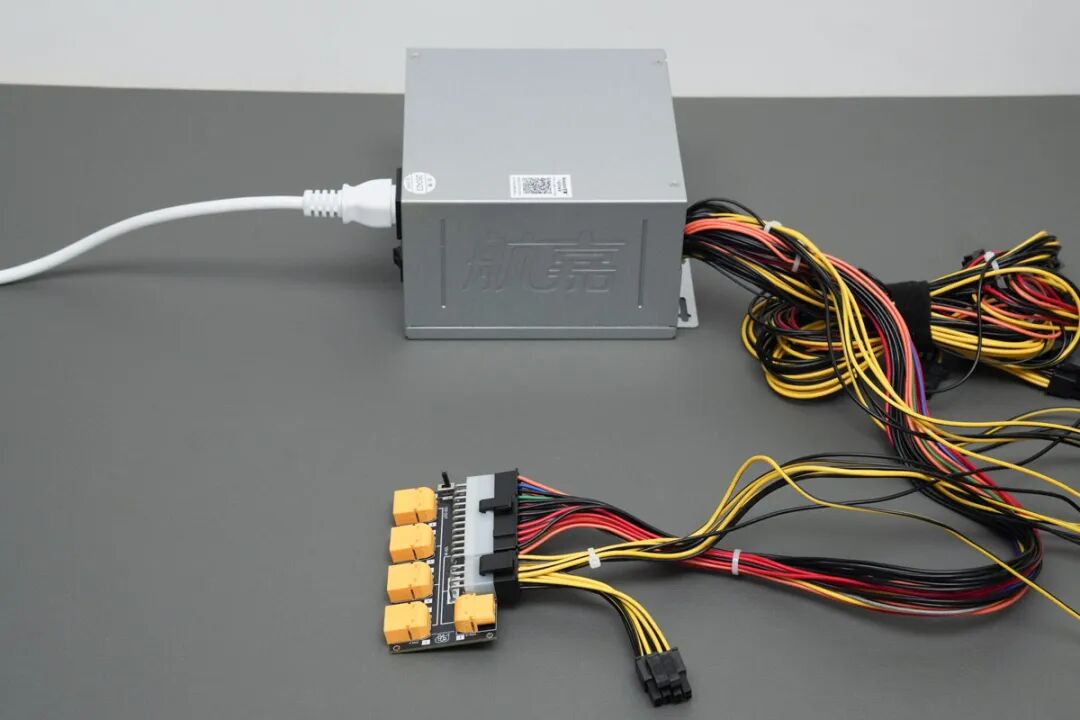
1. First, connect the Huntkey HK850-11PP ATX power supply to the PowerPi P480X. Relevant reading: PowerPi P480X power adapter board with ATX power supply test tutorial
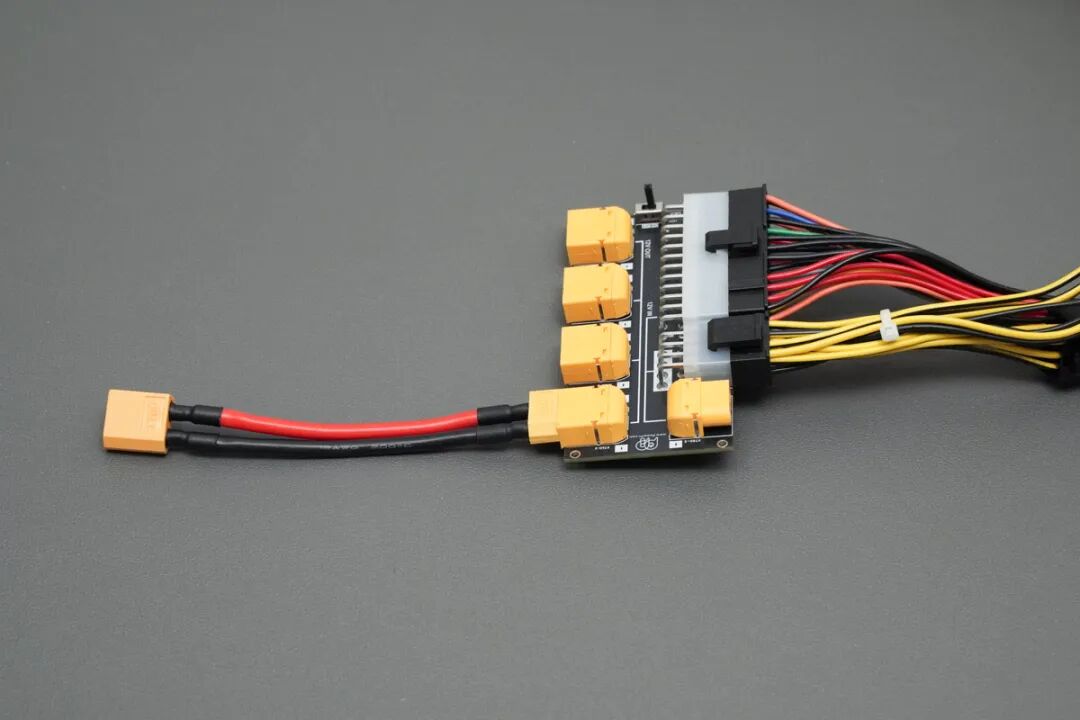
2. Then, connect an XT60 extension cable to any XT60 (OUT) output port.
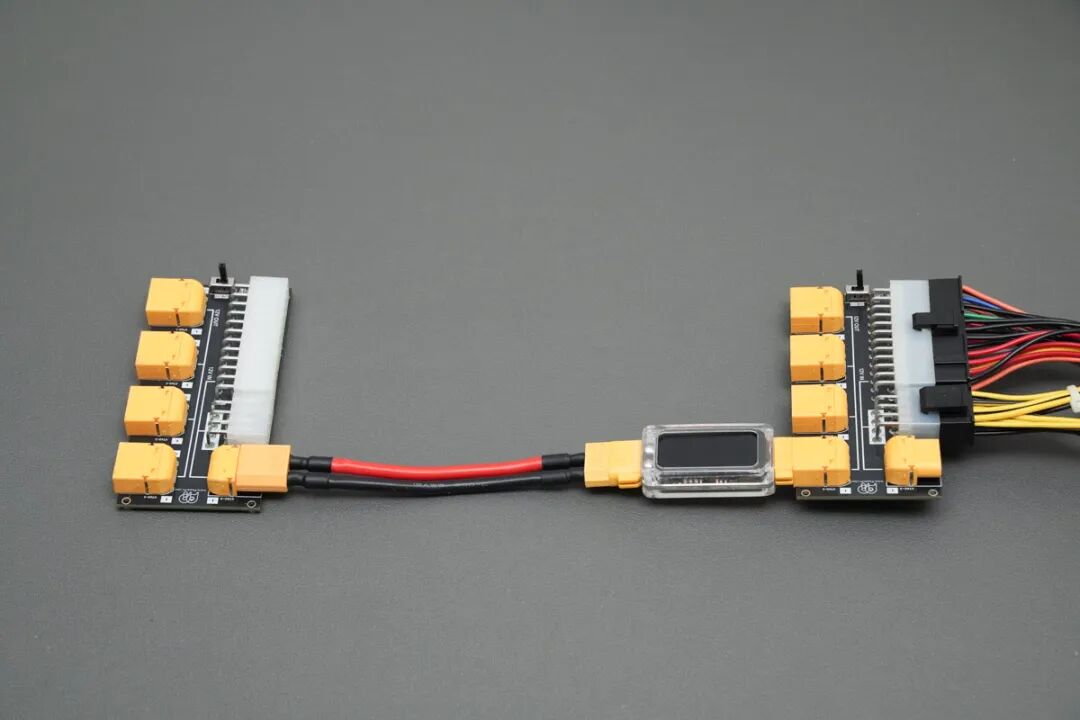
3. Finally, connect the other end of the XT60 extension cable to the cascade port of another PowerPi P480X, i.e., the XT60 (IN) input port, to expand usage.
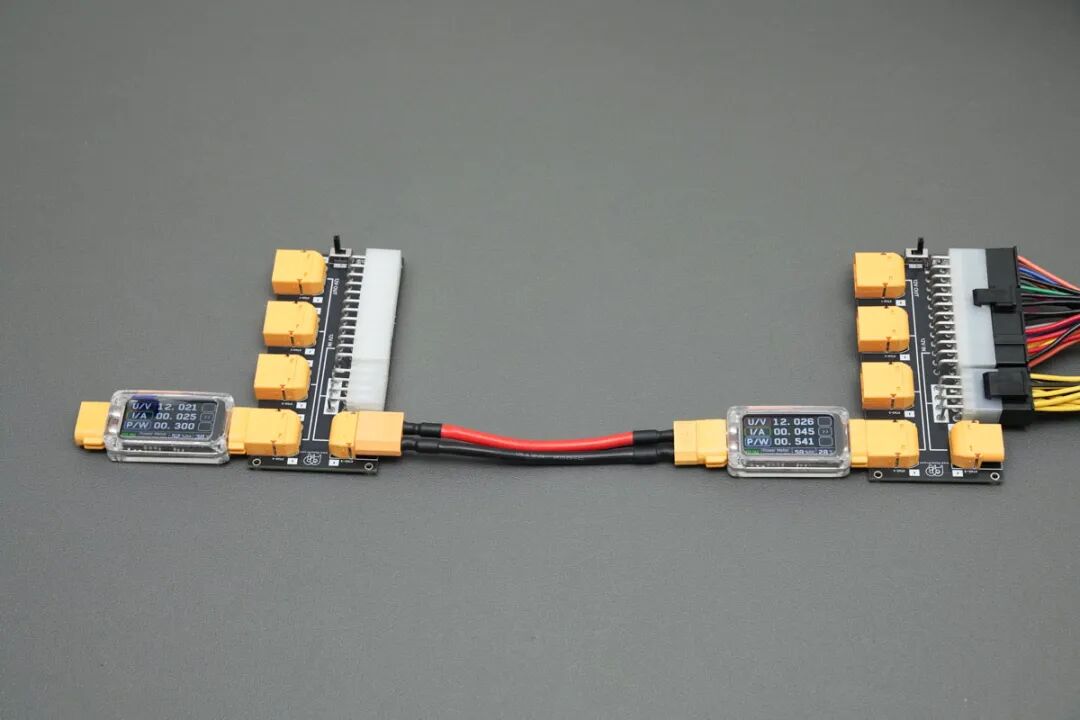
4. To easily monitor voltage, current, power, and other data, you can connect a PowerPi XT1000 digital display to the XT60 port. You’ll see that after connecting, the ports all output 12V.
Precautions
1. The safe current for PowerPi P480X is 40A.
2. The XT60 (IN) input port of PowerPi P480X is a cascade port and is only for expansion use.
3. PowerPi P480X supports soft start and one-way conduction design, only allowing conduction from input (IN) to output (OUT). It does not support reverse connection and has no extra protection.
4. The test data here is for reference only.